
Download Yum – Free Recipe Manager for Windows, macOS & Mobile
Overview – A Beautiful Way to Keep Your Recipes Organized
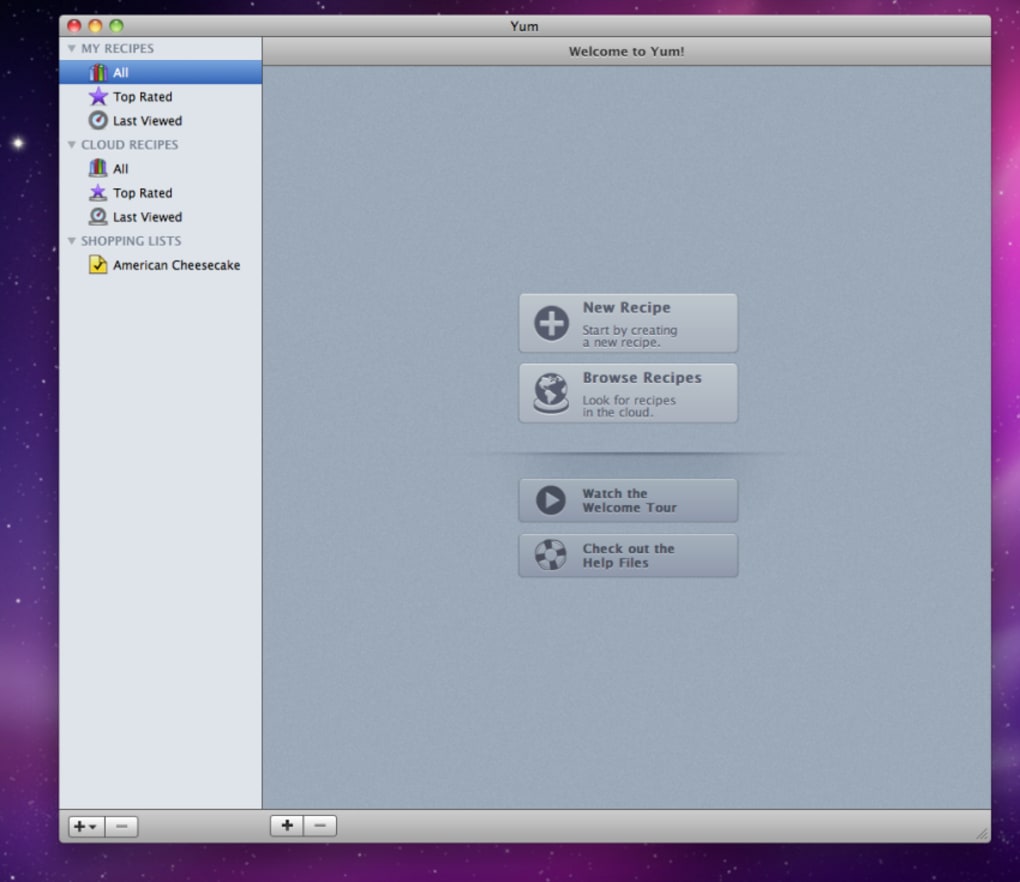
Yum is a modern recipe‑collection manager designed for home cooks, food bloggers, and culinary professionals who want a polished, secure, and highly customizable way to store and share their favorite dishes. From the moment you launch the app, the sleek, minimalist interface makes creating, editing, and browsing recipes feel effortless. The software supports rich text formatting, high‑resolution image embeds, and a flexible categorization system that lets you assign each recipe to multiple user‑defined groups such as “Family Favorites,” “Holiday Meals,” or “Quick Snacks.” In addition to the core library, Yum ships with a curated set of starter recipes to spark inspiration, and it offers powerful printing options that let you choose fonts, page layouts, and templates for a personalized cookbook feel.
Whether you’re planning a dinner party or simply wanting to keep track of that perfect pancake batter, Yum provides a secure, offline‑first environment that protects your data while still allowing easy export, import, and email sharing via your default mail client. Although integration with web‑based email services is not built‑in, the ability to attach recipes directly from the app streamlines the sharing process. Overall, Yum positions itself as the go‑to tool for anyone serious about turning a random collection of notes into a polished, searchable culinary archive.
Supported Platforms: Windows 10/11, macOS 10.14 or later, Android 8.0 +, iOS 13 +.
Features, Compatibility & Pros / Cons
Core Feature List
- Intuitive drag‑and‑drop recipe editor with rich‑text support.
- Unlimited custom categories and tags for precise indexing.
- High‑resolution photo attachment for each recipe.
- Multiple printable templates with adjustable fonts, margins, and page size.
- One‑click export to PDF, CSV, or Yum’s proprietary .yum format.
- Import from popular formats such as .txt, .docx, and other recipe apps.
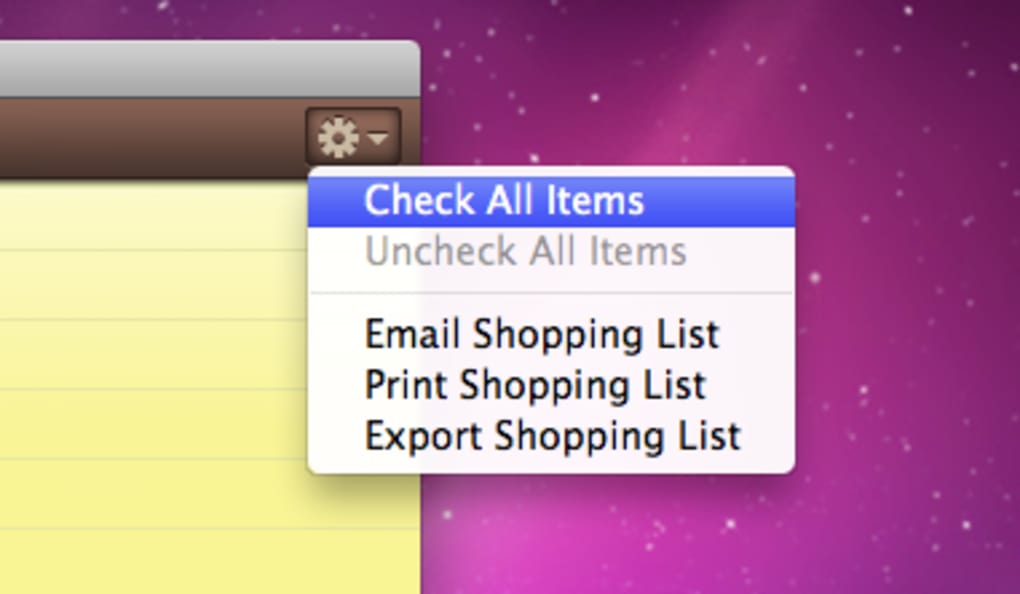
- Secure email sharing using your default mail client.
- Cross‑platform sync via optional cloud backup (free tier included).
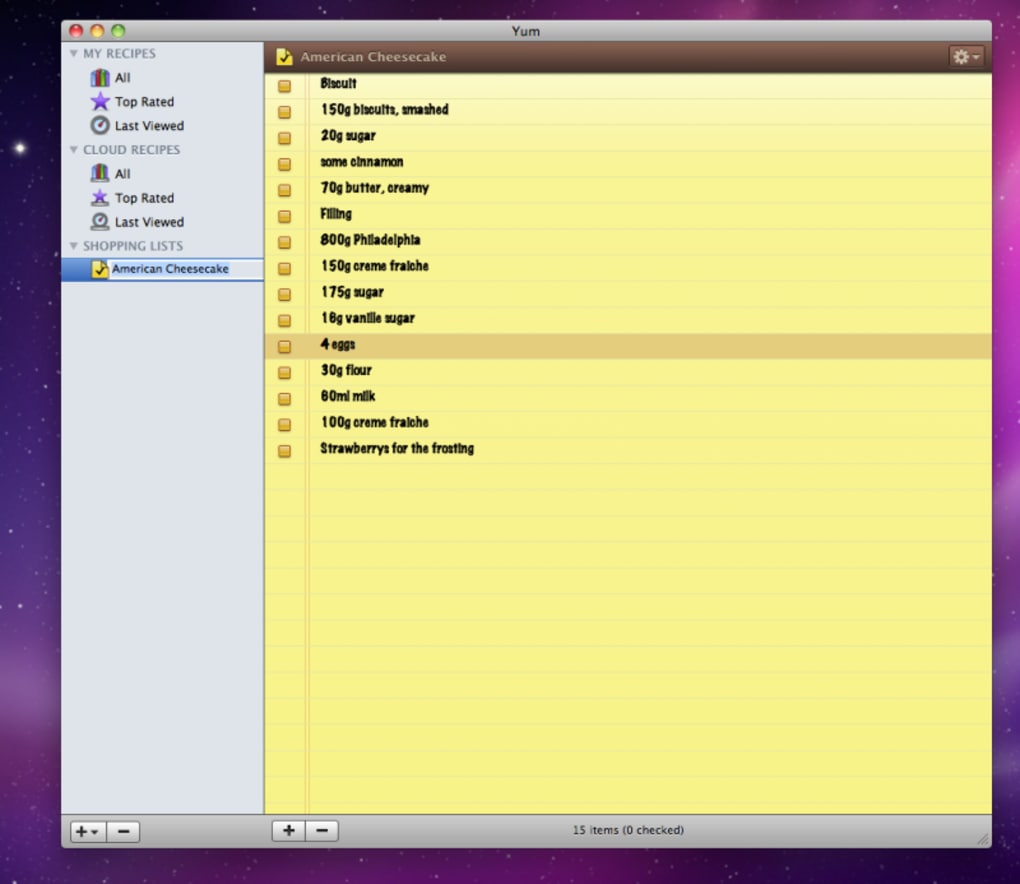
- Built‑in ingredient checklist for quick grocery planning.
- Dark mode and accessibility‑friendly color schemes.
Pros
- Visually appealing UI that makes recipe browsing enjoyable.
- Highly customizable categorization and printing options.
- Offline‑first design ensures access without internet.
- Easy import/export reduces migration friction.
- Free core version with optional paid cloud backup.
Cons
- No native integration with Gmail, Outlook.com, or other web mail services.
- Shopping‑list generator is basic and lacks automatic inventory tracking.
- Advanced template editing requires a modest learning curve.
- Mobile app lacks some desktop‑only features (e.g., bulk PDF export).
- No built‑in community recipe sharing marketplace.
Installation, Usage & Frequently Asked Questions
Step‑by‑Step Installation
1. Download the installer: Visit the official Yum website and click the “Download for Windows,” “Download for macOS,” “Download for Android,” or “Download for iOS” button that matches your device. The file is signed and scanned for malware, ensuring a secure download.
2. Run the installer: On Windows, double‑click the .exe file and follow the wizard prompts. macOS users open the .dmg, drag the Yum icon into the Applications folder, and confirm any Gatekeeper warnings. Mobile users simply tap the .apk (Android) or .ipa (iOS) and follow the on‑screen installation steps.
3. Launch and register: After installation, open Yum. The first‑time wizard asks for a username and optional email address for cloud backup. You can skip cloud sync and keep everything local if you prefer.
4. Import existing recipes: Use the “Import” menu to bring in .txt, .docx, or previous Yum files. The app automatically maps headings to title, ingredients, and instructions.
Everyday Usage Tips
• Create categories early: Defining “Desserts,” “Vegan,” and “Quick Meals” at the start makes later organization painless.
• Use the photo button: High‑quality images turn a plain list into a visual cookbook.
• Print a custom cookbook: Choose “Print > Custom Layout,” select your template, and generate a PDF you can bind or share.
• Enable cloud backup: Turn on automatic sync in Settings to keep recipes safe across devices.
FAQ – Answers Powered by Schema.org
Can I import recipes from other cooking apps?
Yes. Yum supports import of plain‑text, .docx, CSV, and its own .yum format, allowing you to migrate collections from most popular recipe managers.
Is my data stored securely?
All local data is encrypted on disk, and cloud backups use TLS 1.3 with AES‑256 encryption. Yum never sells or shares your recipes.
Does Yum work offline?
Absolutely. The core application is offline‑first; you can create, edit, and view recipes without an internet connection. Sync occurs when you reconnect.
Can I share a recipe directly from the app?
Yes. Using the “Share” button opens your default mail client with the recipe attached as a PDF or .yum file, ready to send.
Is there a free version?
Yum offers a completely free tier that includes all core features. An optional premium subscription unlocks advanced cloud backup and extra printable templates.
Conclusion – Start Building Your Personal Cookbook Today
Yum combines elegant design with practical functionality, making it one of the most complete recipe‑management tools available for free. Whether you cook daily or only on special occasions, the ability to categorize, photograph, and print your dishes gives you a professional‑grade cookbook without the expense. The minor drawbacks—limited web‑mail integration and a basic shopping‑list feature—are outweighed by the robust offline capabilities, secure data handling, and cross‑platform support. If you’re ready to bring order to your kitchen, simply click the download button below, install the app on your preferred device, and begin curating the recipes that matter most to you. Your next culinary masterpiece is just a click away.
Overall Rating: 4.5/5 – A polished, reliable solution for serious home chefs.







